%201-1.avif)
Apple Watch Series 12 vs Circular Ring 2: Full Comparison
I wore both the Circular Ring 2 and the Apple Watch Series 12 for 14 days. Ring on the left index, watch on the left wrist, and a Polar H10 on for every workout to keep them honest. Fourteen days is enough to find what spec sheets hide. Disclosure: I work at Circular. I’ve tried to make this useful anyway, which mostly means telling you the three things about our own ring that annoyed me. Here’s what I discovered, along with the areas where each product actually falters.
Specs Comparison
Quick Take: Which one should you buy?
For most people, I’d go with the Circular Ring 2. It’s a ring, so it’s tiny and comfortable to sleep with every night, and you barely notice it’s there. The Apple Watch makes sense mainly if you want live workout metrics, notifications, and apps on your wrist.
Choose the Apple Watch if:
- You want a second screen for your iPhone, with live heart rate and pace during a run.
- You want built-in GPS and notifications on your wrist.
- You want a broad ecosystem of apps and third-party health integrations.
Choose the Circular Ring 2 if:
- You want something so small you forget you’re wearing it, even in bed.
- You want to track long-term trends, sleep, recovery, and temperature all night, every night.
- You don’t want to charge a device every single day.
Apple Watch vs Circular Ring 2: Design and Comfort
Winner: Circular Ring 2
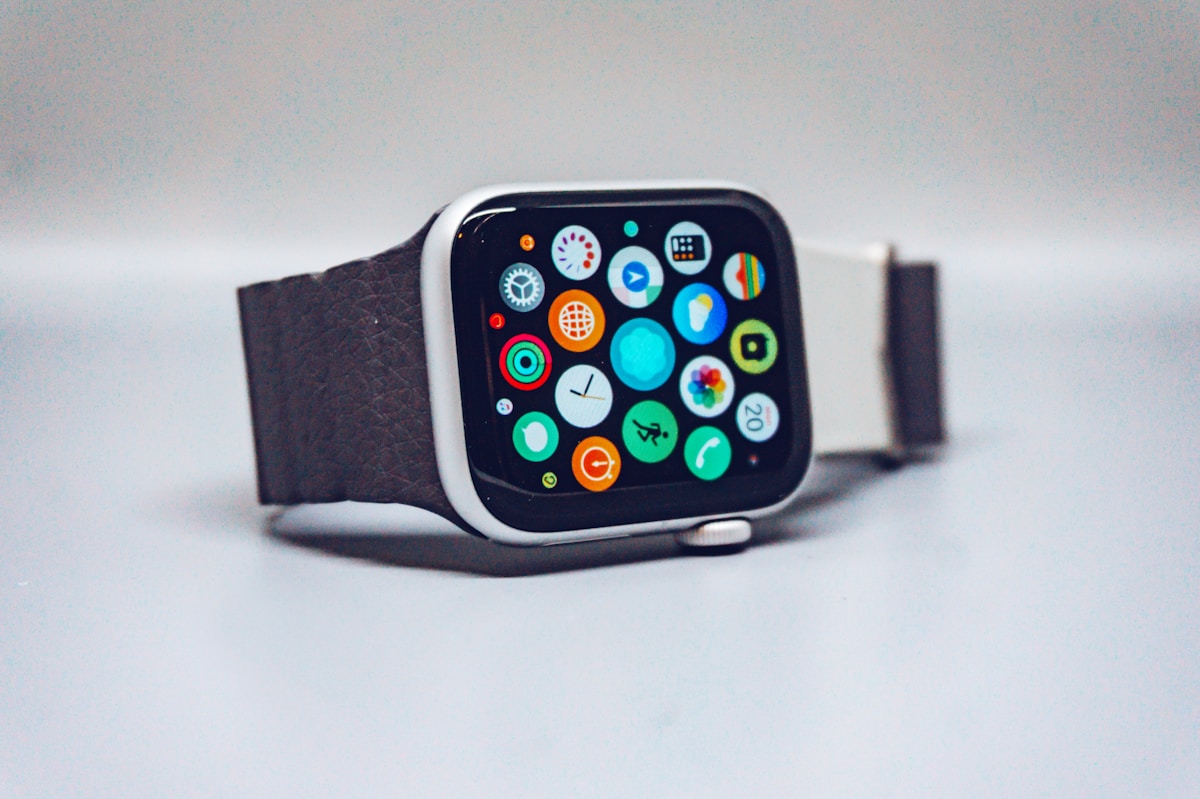
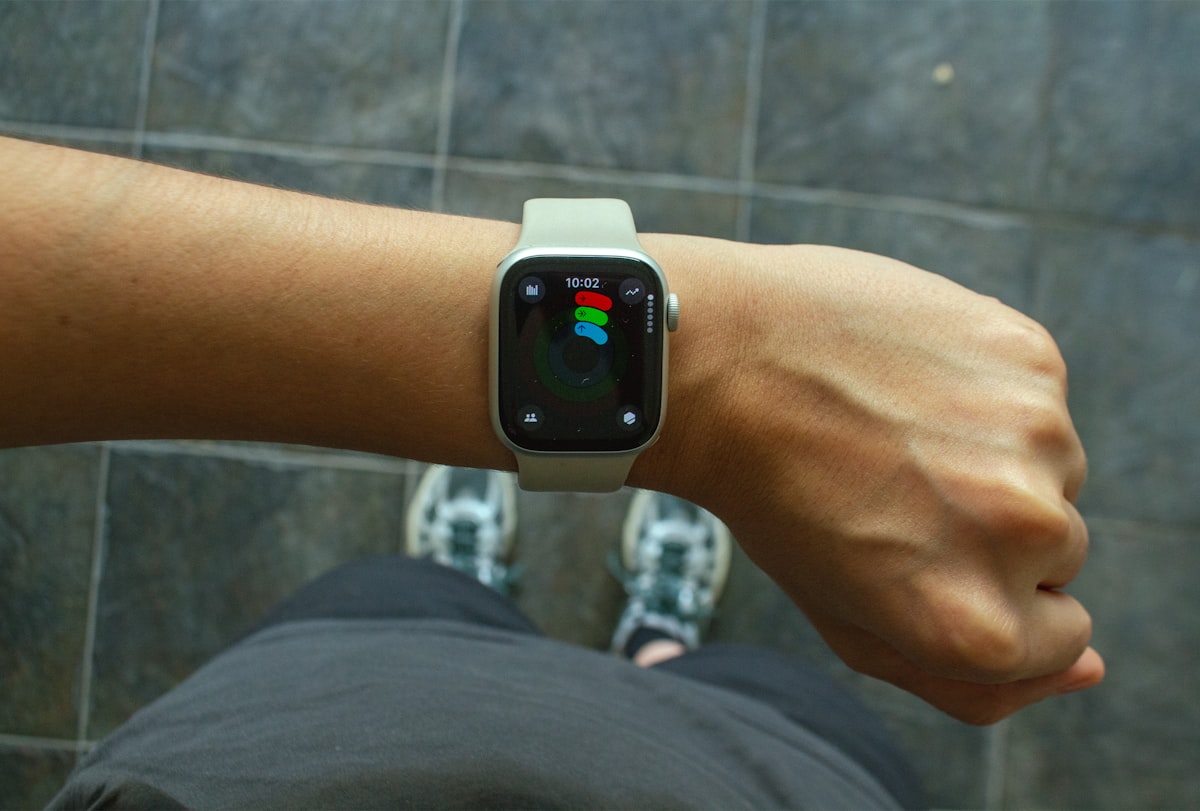
The Apple Watch Series 12 is 9.7 mm thick and weighs between 31.5 and 44.9 grams depending on case size and material. You feel it when you type, when you sleep on your side, when you slide a jacket over it.
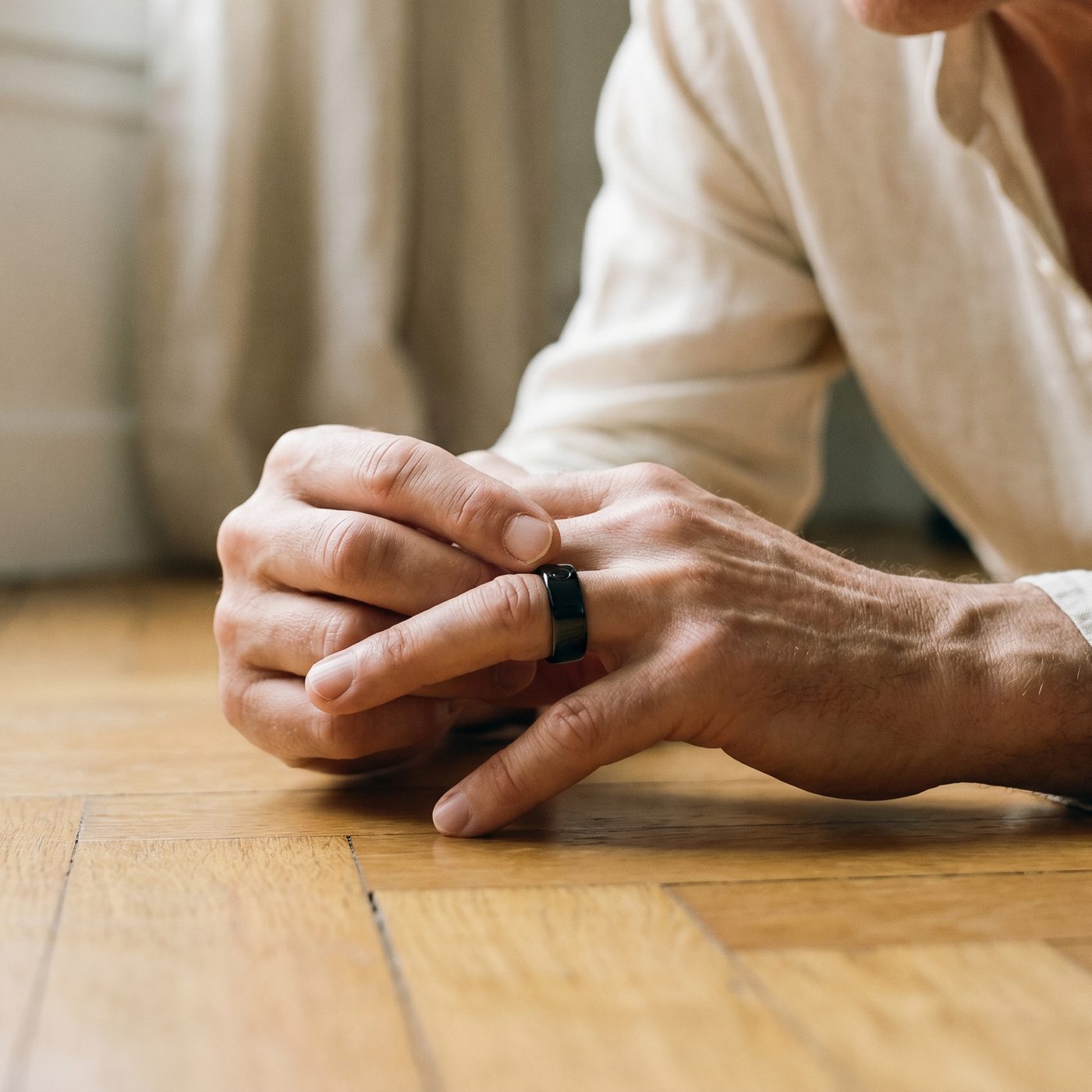
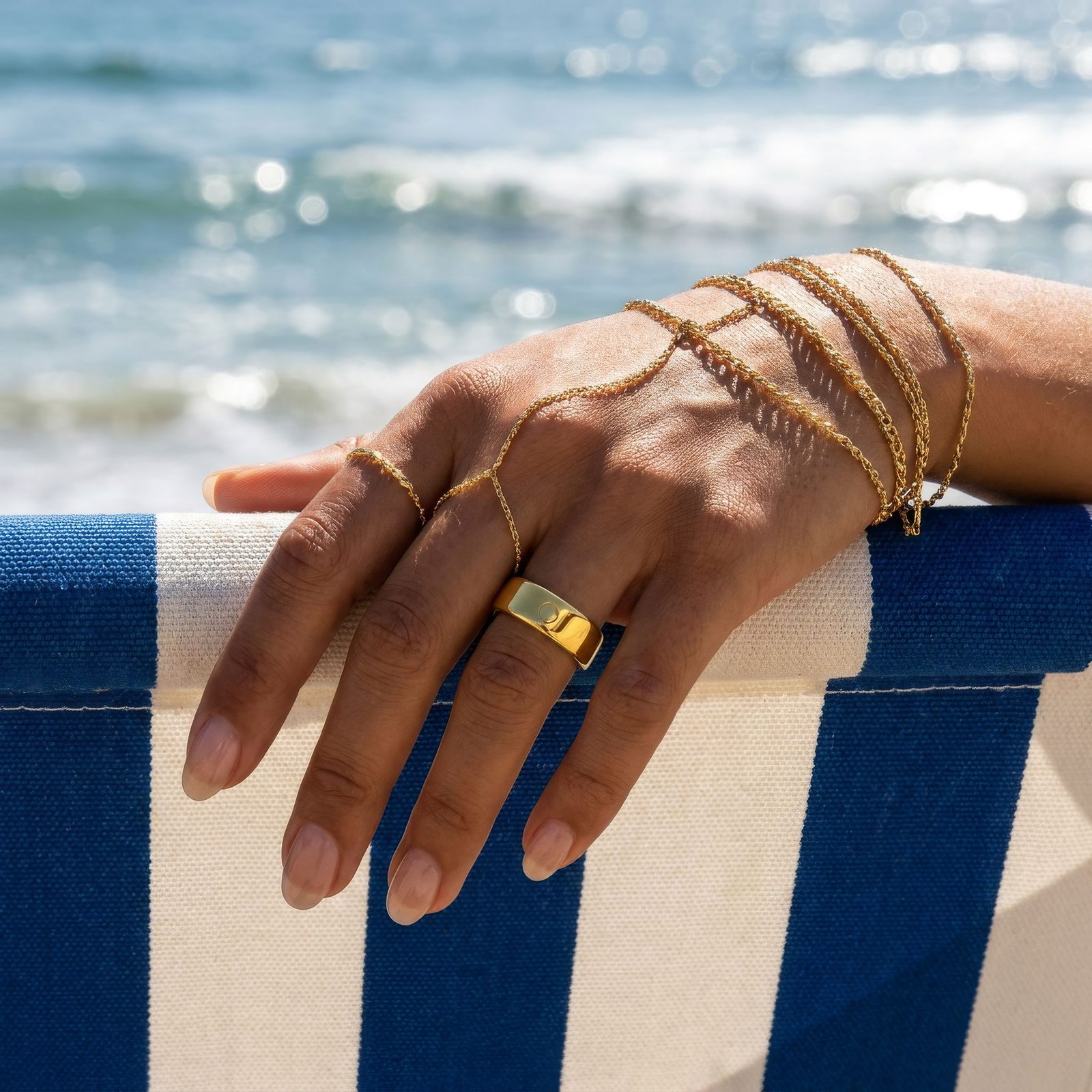
The Circular Ring 2 weighs 2 to 3 grams and is 2.8 mm thin. By day three I stopped noticing it. It disappears the way a plain ring disappears.
The Apple Watch looks like a smart device, even though wearing one is hyped right now. The ring feels like natural jewelry: titanium with a metallic coating on the outside. Most people won’t notice it’s a smart device until you tell them.
At night the gap widens. I found the Apple Watch uncomfortable to sleep in. The ring, I didn’t notice at all.
One real downside of the ring: the size is fixed, and fingers swell. In summer heat, or after a salty meal, a ring that fits at 2pm is tight at 9pm. There is no buckle, no strap, no half-size to slide to. If your finger changes size, you buy a new ring, not a new notch.
On sizing: Circular ships a sizing kit so you confirm your exact size before the ring arrives, and there’s also a digital sizing tool that guesses your size from a photo of your hand on your phone.
Apple Watch vs Circular Ring 2: Sleep Tracking
Winner: Circular Ring 2
Ring reviews love to say the Apple Watch can’t track sleep. It can. Sleep app in watchOS 7, sleep stages in watchOS 9, a Sleep Score on recent models. No third-party app needed.
The software isn’t the problem. The problem is that the watch has to be somewhere at 11pm, and for most people that somewhere is a charging puck.
I charged the watch at night for the first week, like a normal person. Seven nights, zero sleep data. Then I moved the charge to my morning shower, which worked, and which meant remembering a small chore every day for a month. I forgot twice.
The Circular Ring 2 samples blood oxygen saturation (SpO2), respiration rate, body temperature, heart rate variability (HRV), and sleep stages every night, because you never take it off. It also has no screen and no GPS, so it produces no light at night and never disturbs you or the person next to you. Over 14 nights my resting heart rate drifted from 62 down to 58 beats per minute (BPM), and my HRV climbed from 48 to 54 ms.
One thing about the finger: it sits closer to core blood flow than the wrist, so finger temperature tracks your internal temperature more faithfully and is less thrown off by ambient air. That is the mechanism behind the ring’s edge on overnight temperature and cycle tracking.
The ring also has a Smart Alarm: you set a wake window, and it triggers your phone’s alarm during your lightest sleep phase, so you wake less groggy. The ring itself does not vibrate; the alarm plays from your phone. The Apple Watch has a standard alarm that buzzes at the exact time you set.
Apple Watch vs Circular Ring 2: Heart Health
Winner: Apple Watch
Both devices run a single-lead ECG for atrial fibrillation (AFib) screening. The Apple Watch asks you to hold the digital crown for 30 seconds. The Circular Ring 2 asks you to rest a finger from your opposite hand on the ring for 40 seconds.
On the ECG claim, I have to be precise. The Apple Watch’s ECG function has had FDA clearance since 2018 and Circular’s ECG runs on an FDA-cleared algorithm. In my checks, both ECGs reported the same thing: a regular rhythm, 59 beats per minute on average. They didn’t disagree once.
Still, I’d give the edge to the watch on heart data. It has years of third-party validation, a hypertension-notification feature on Series 12, and a much bigger ecosystem of heart-health studies. The ring’s strength is different: it samples your heart rate every 2 minutes around the clock, which builds a denser baseline for spotting trends. The watch is the better spot-check tool and the ring is the better trend tool.
Apple Watch vs Circular Ring 2: Fitness and Workouts
Winner: Apple Watch
The Apple Watch was built for that category and here is why I mean that. The pace, distance, heart rate and calories are shown on a bright OLED display in real time while you run. It has built-in GPS so you can leave your phone at home. It supports dozens of different types of workouts and it automatically recognizes walking, cycling and running.
The Circular Ring 2 has over 50 sport modes and doesn’t have a screen, but it can use your phone’s GPS to log routes, distance and pace. You can’t look at your stats in the middle, but you do check your stats on your phone after the run.
I compared both against a Polar H10 chest strap. At rest and on steady runs, both matched the strap within 5 BPM at rest. Under a barbell, the story changes: the ring’s PPG drops off when you grip hard, because squeezing the bar changes the blood flow under the sensor. I stopped trusting the ring’s heart rate during heavy sets. The watch held up better there.
The watch is the clear winner for phone-free real-time GPS and exercise data. If you are okay with reviewing your session after the fact, the ring is fine.
Apple Watch vs Circular Ring 2: Smart Features and Notifications
Winner: Apple Watch
The Apple Watch is a second screen for your iPhone. It mirrors notifications, answers calls, replies to messages, shows your calendar, and controls music.
The Circular Ring 2 doesn’t have a screen and doesn’t send notifications. Every number it collects, you read on your phone. Every alarm, your phone rings. If your phone dies, the ring is a quiet piece of metal on your finger.
For anyone who wants notifications and apps on the wrist, the watch is the clear winner.
Apple Watch vs Circular Ring 2: Data and App Experience
Winner: Circular Ring 2
Apple Health aggregates steps, heart rate, sleep, cycle tracking, and more. It has grown real intelligence: the Trends feature surfaces long-term changes, and the Vitals app flags overnight metrics that fall outside your normal range. Series 12 even adds hypertension notifications.
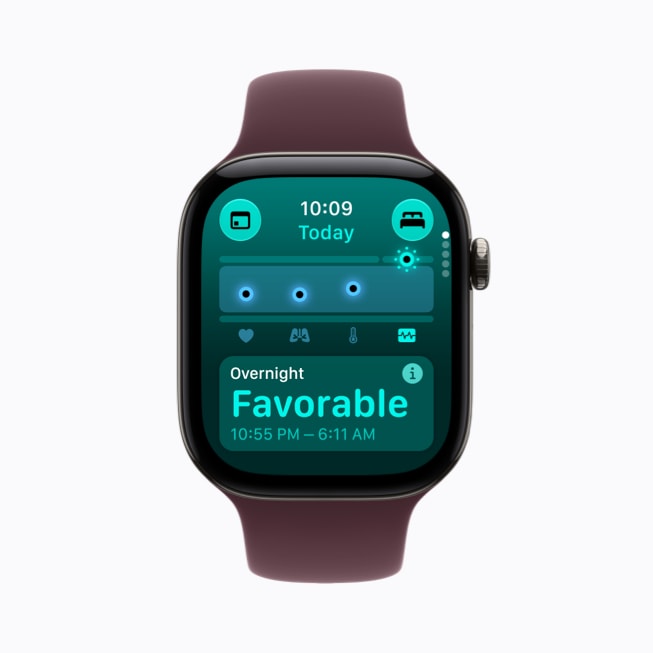
Where it falls short is narrative. Apple Health hands you the data and mostly leaves you to interpret it. The Circular app does the opposite: every morning it produces a single report on sleep, recovery, heart rate, blood oxygen saturation (SpO2), and temperature, then passes the numbers to Kira, Circular’s built-in AI health coach, who turns them into specific recommendations.
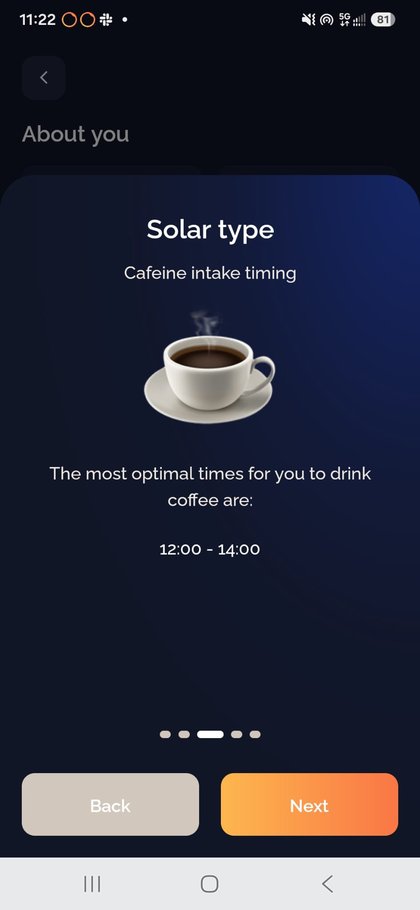
In my test, Kira told me to cut caffeine after 4 PM to protect my sleep and suggested winding down earlier. It also mapped my peak energy windows from my chronotype so I could schedule deep work at the right time. Kira reads the numbers so you don’t have to.
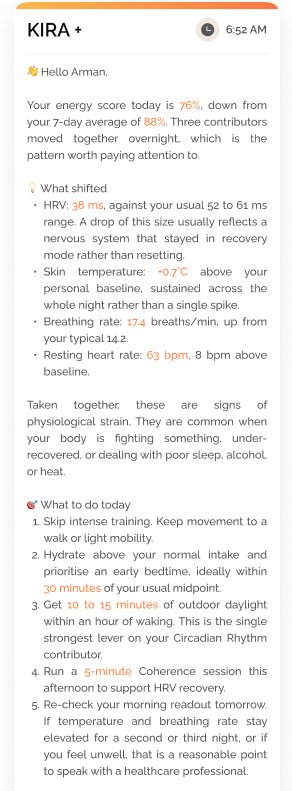
One morning, Kira flagged four overnight changes at once: my heart rate variability (HRV) had fallen to 38 ms from a usual range of 52 to 61 ms, my skin temperature ran 0.7°C above baseline all night, my breathing rate climbed to 17.4 breaths per minute from a typical 14.2, and my resting heart rate sat 8 beats per minute above normal. Reading these together, Kira concluded I was under physiological strain and told me what to do: skip intense training, hydrate and go to bed early, get 10 to 15 minutes of morning daylight, and run a five-minute Coherence session in the afternoon.
The Circular Ring 2 is the only smart ring with ECG and more than 13 core health features, with no subscription. Learn more
Apple Watch vs Circular Ring 2: Battery Life
Winner: Circular Ring 2
The Apple Watch lasts up to 24 hours on a charge, or 38 hours in Low Power Mode, and charges to 80% in about 30 minutes. In practice I charged it every day. When you forget to charge it for a single day, you end up not being able to track your sleep.
The Circular Ring 2 lasts up to 8 days in Eco mode, and about 6 days in my use with continuous SpO2 and temperature tracking on. When it needs power, you drop it into its case, which has a built-in battery, and it is full in 30 minutes. Over the 14 days I charged the ring twice, and the watch every day.
Apple Watch vs Circular Ring 2: Pricing
Winner: Circular Ring 2
The Apple Watch Series 12:
- Starts at $399 for the 42 mm GPS model.
- Cellular connectivity starts at $499, plus a carrier plan.
- AppleCare+ adds a monthly fee on top.
The Circular Ring 2:
- Costs $349, once.
On subscription: the 14+ core features, including ECG, blood pressure, continuous vitals, sleep tracking, and Kira’s daily insights, are free with the ring. A small set of premium features uses a freemium model with a separate fee.
Apple Watch vs Circular Ring 2: Verdict
The Apple Watch requires an iPhone and, for cellular, a plan. The Circular Ring 2 is for both Android and iOS. If I could only keep one, I’d pick the Circular Ring 2. Sleep and recovery matter more to me than a second screen on my wrist, and I’d rather not charge a device every day. But that’s just me, and I’m saying it knowing the ring’s three annoyances: it doesn’t fit if your fingers swell, its heart-rate reading falls apart under a heavy barbell, and it is a paperweight without your phone.
If you’re a runner who wants live pace and GPS on your wrist, someone who wants notifications without reaching for your phone, or a lifter who needs a device and heart rate that survives a heavy grip, buy the Apple Watch.
I found the two devices complementary, not interchangeable, and definitely not integrated. They do not sync with each other. Wearing both worked because they covered different gaps: the watch handled live workout metrics and notifications, the ring handled overnight recovery and long-term trends. The overlapping metrics, heart rate and HRV, generally agreed. Whether wearing both is worth roughly $750 total depends on how much you care about health data and especially sleep data.
Take the Quiz: See Where You Stand
Frequently Asked Questions
Q: Can the Circular Ring 2 replace my Apple Watch?
A: For sleep, recovery, and 24/7 health trends, yes, and it does this better because you wear it all night without charging. For live workout data, notifications, and apps, no; the Apple Watch is still the better tool.
Q: Does the Circular Ring 2 work with Apple Health?
A: Yes. Circular syncs heart rate, HRV, SpO2, sleep stages, and respiratory rate to Apple Health, so your data stays in one place.
Q: Is the ECG on the ring as accurate as the Apple Watch?
A: Both are single-lead ECGs. The Apple Watch’s ECG function has had FDA clearance since 2018; Circular’s ECG runs on an FDA-cleared algorithm. In my test both matched a chest strap within 5 BPM at rest. The ring’s edge is trend detection, since it is worn continuously.
Q: Which is better for sleep tracking?
A: The Circular Ring 2, but not because the Apple Watch cannot do it. The watch tracks sleep stages natively. The ring wins on comfort and battery: it’s so small you don’t feel it in bed, and it lasts up to 8 days, so it never misses a night to charge.
Q: Do I need a subscription for the Circular Ring 2?
A: The 14+ core features are free with the ring. A small set of premium features uses a freemium model, so those carry a separate fee, but the essentials are included in the purchase price.
References
- Apple Watch Series 12 Technical Specifications, Apple Inc.
- Circular Ring 2 Product Page, Circular.